Upgrading from LCD to Direct-View LED: Which Display Fits Your Space
Written and reviewed by the ETA Visual Engineering & Project Team. Guidance is updated when project, product or Singapore site-planning practices change.
A brighter, larger display isn’t automatically the better upgrade. Upgrading from LCD to direct-view LED makes sense when you need a large, more seamless visual surface or higher brightness for the space. Direct-view LED pixels produce the image themselves, while LCD screens use liquid crystal with LED backlighting. Picture quality matters, but the right choice also depends on how close people will stand, the ambient light and the wall’s available depth. A fine-pitch LED screen can support closer viewing, while LCD may remain suitable if its format and performance meet the display’s needs. This comparison explains how the technologies differ in viewing distance, brightness, contrast and installation depth, with commercial uses in Singapore in mind. You’ll also see how retail, office, hotel and other business environments affect the decision, and which practical factors matter when planning an upgrade. The aim is to help you assess the display against the space and the way people will use it, rather than choosing on screen size alone.
Key Takeaways
- Match pixel pitch to viewing distance and the level of image detail people need, rather than choosing by screen size alone.
- Assess ambient light and the display’s intended content when weighing brightness, black levels and contrast.
- Plan installation around wall clearance, structural and electrical requirements, delivery access and future maintenance.
- Account for Singapore site conditions, including humidity, heat, building management requirements and permitted work arrangements.
- Choose direct-view LED for commercial spaces where its large, seamless display format suits the use case; LCD may remain practical where it meets the requirements.
Table of Contents
- Pixel pitch and viewing distance
- Brightness and ambient-light visibility
- Black levels and contrast
- Installation depth and wall clearance
- Commercial applications for direct-view LED
- Singapore-specific installation considerations
- Common mistakes when upgrading from LCD to direct-view LED
- Practical recommendations and budget considerations
- How ETA Visual can support your display upgrade
Pixel pitch and viewing distance
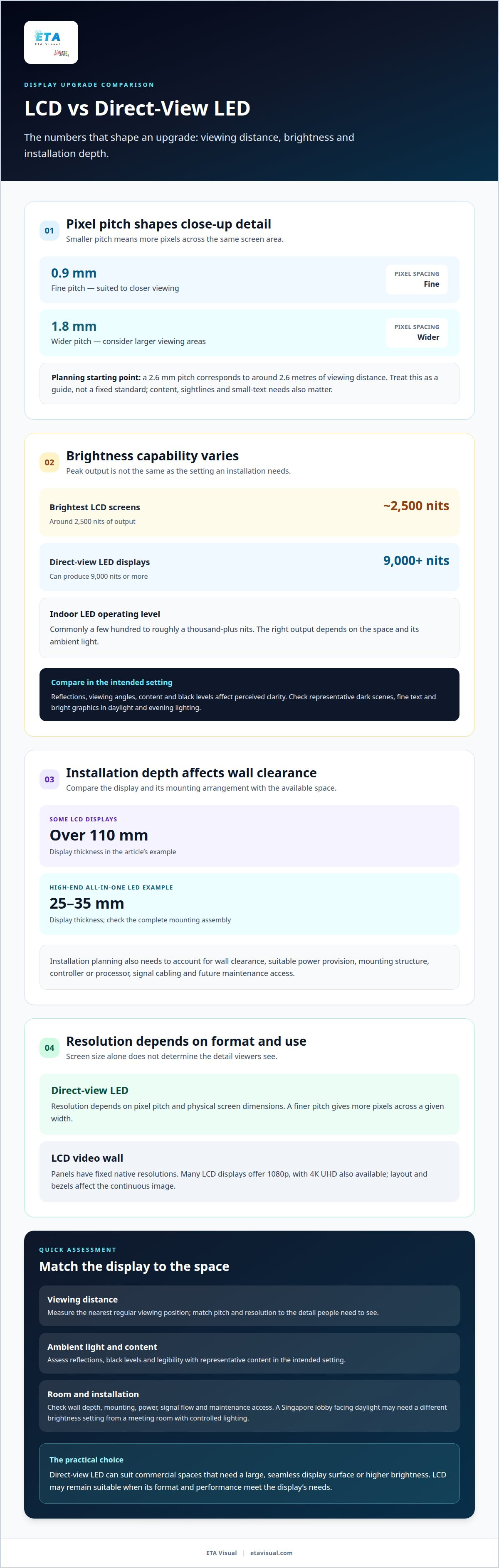
Pixel pitch is the distance between the centres of neighbouring pixels on a direct-view LED display, measured in millimetres. A smaller pitch packs more pixels into the same screen area, supporting finer detail when viewers stand close. For example, a 0.9 mm pitch may suit close-viewing installations, while a 1.8 mm pitch can suit larger viewing areas.
A common planning rule estimates comfortable viewing distance by matching the pitch in millimetres to distance in metres. On that basis, a 2.6 mm pitch corresponds to around 2.6 metres. Treat this as a starting point, not a fixed standard: viewing comfort also depends on content, sightlines and whether people need to read small text.
Resolution depends on both pixel pitch and the physical dimensions of the LED screen. A finer pitch gives more pixels across a given width. LCD video walls instead combine panels with fixed native resolutions; many LCD displays offer 1080p, with 4K UHD also available. Panel layout and bezels affect the continuous image, even when the overall wall is configured for a high-resolution signal.
| Display option | Pixel structure | Viewing-distance consideration | Resolution consideration |
|---|---|---|---|
| Direct-view LED, 0.9 mm | Fine pixel spacing | Suited to closer viewing | More pixels across a given area |
| Direct-view LED, 1.8 mm | Wider pixel spacing | Consider larger viewing areas | Fewer pixels across the same area |
| LCD video wall | Fixed-resolution panels | Assess panel layout and sightlines | Check source and panel resolution |
Measure the nearest regular viewing position, then match pixel pitch and resolution to the smallest text or detail viewers need to discern. Ambient light also affects perceived clarity.
Brightness and ambient-light visibility
Brightness specifications indicate potential output, but ambient light determines whether images remain legible. Compare displays in their intended setting, not just in a showroom.
Brightness in Ambient Light
The brightest LCD screens can output around 2500 nits, while direct-view LED displays can produce 9000 nits or more. These figures describe high-output capability, not the normal setting for every installation. Indoor LED commonly operates at a few hundred to roughly a thousand-plus nits. A Singapore lobby facing daylight may need a different brightness setting from a meeting room with controlled lighting.
Picture Quality in Ambient Light
Picture quality depends on more than peak brightness. Reflections, viewing angles, image content and black levels all shape perceived contrast. A white-background directory in a bright mall may remain readable, while dark promotional images can lose detail if reflected light makes blacks appear lighter. LCD’s liquid-crystal layer modulates a backlight; direct-view LED pixels emit light individually. Neither type eliminates glare from nearby windows or lights.
Assess the screen with representative content, including dark scenes, fine text and bright graphics. Compare its appearance during daylight and evening lighting, since ambient conditions can change across the operating day. The image-quality factors for LED displays help explain why brightness alone does not determine clarity. Select an output level that preserves detail without making the display uncomfortable in its intended space.
Black levels and contrast
Black levels describe how dark parts of an image appear beside highlights. LCD screens regulate light through liquid crystal and a backlight, so dark scenes can retain some light. Direct-view LED pixels produce their own light, allowing dark areas to be controlled at pixel level. Actual contrast also depends on panel design and room reflections.
Replacing an LCD display with direct-view LED usually requires a compatible mounting structure, suitable power provision, an LED controller or processor, and signal cabling. System design must match source inputs to the screen’s resolution and physical format. An all-in-one LED system may integrate control functions and reduce separate equipment, but its connections and signal flow still need to suit the room.
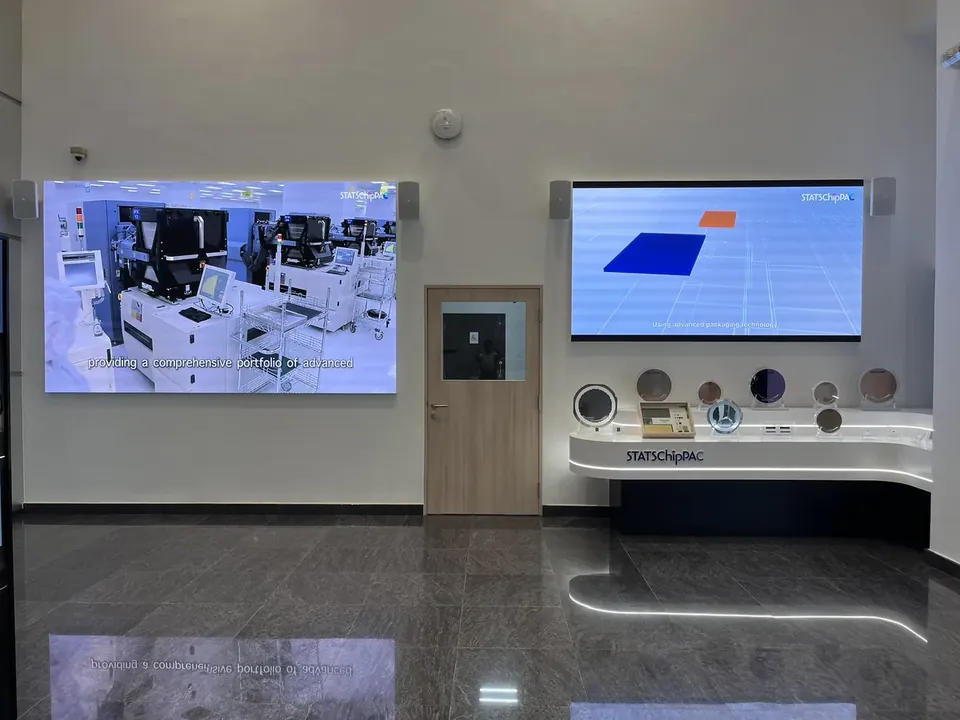
In a control room or command centre, operators may view maps, dashboards and several live sources on one display. Contrast affects how clearly dark interface elements and bright alerts remain distinct. Fine-pitch LED can create a large viewing surface without LCD panel borders, while LCD video walls may have visible joins. Compare representative control-room content from the intended viewing positions, not only a full-white test image.
For an all-in-one LED control system, assess the complete chain: source devices, processing, control interface, cabling and display. Integrated equipment can simplify the setup, but resolution, input compatibility and servicing access still need planning. Confirming these elements during design helps the selected display deliver the required image without mismatched sources or unnecessary components.
For a deeper look at system design, the commercial LED display technology guide covers how display and control components work together.
Installation depth and wall clearance
Installation depth affects how far a display projects into a room and whether it clears nearby fixtures. Some LCD displays are over 110 mm thick, while a high-end all-in-one LED display may measure 25 mm to 35 mm thick. These examples show why the complete mounting assembly matters, not just the screen casing.
Approvals and safety controls depend on the building and installation scope. Building management requirements, structural assessment, electrical planning and safe work arrangements all form part of the project plan. Any authority approvals depend on the specific site and work, especially if the installation changes building structures or services.
A flat mounting surface helps keep LED modules aligned across the video wall. Uneven walls or an unsuitable mounting frame can leave gaps, distort the finished surface or create shadows around the edges. The design should account for cable routes, ventilation and maintenance access, as well as screen depth. A flush finish still needs room for system components and servicing.
Shipping and installation planning starts with the route from the loading bay to the mounting location. Lift dimensions, corridor turns, access windows and delivery procedures can affect how panels and equipment reach the site. The installation team also needs to plan assembly space, power access and safe movement through occupied areas.
The LED video wall installation guide explains how mounting, integration and maintenance access fit into system planning. Compare the wall’s available depth and access route with the screen assembly before finalising the layout.
Commercial applications for direct-view LED
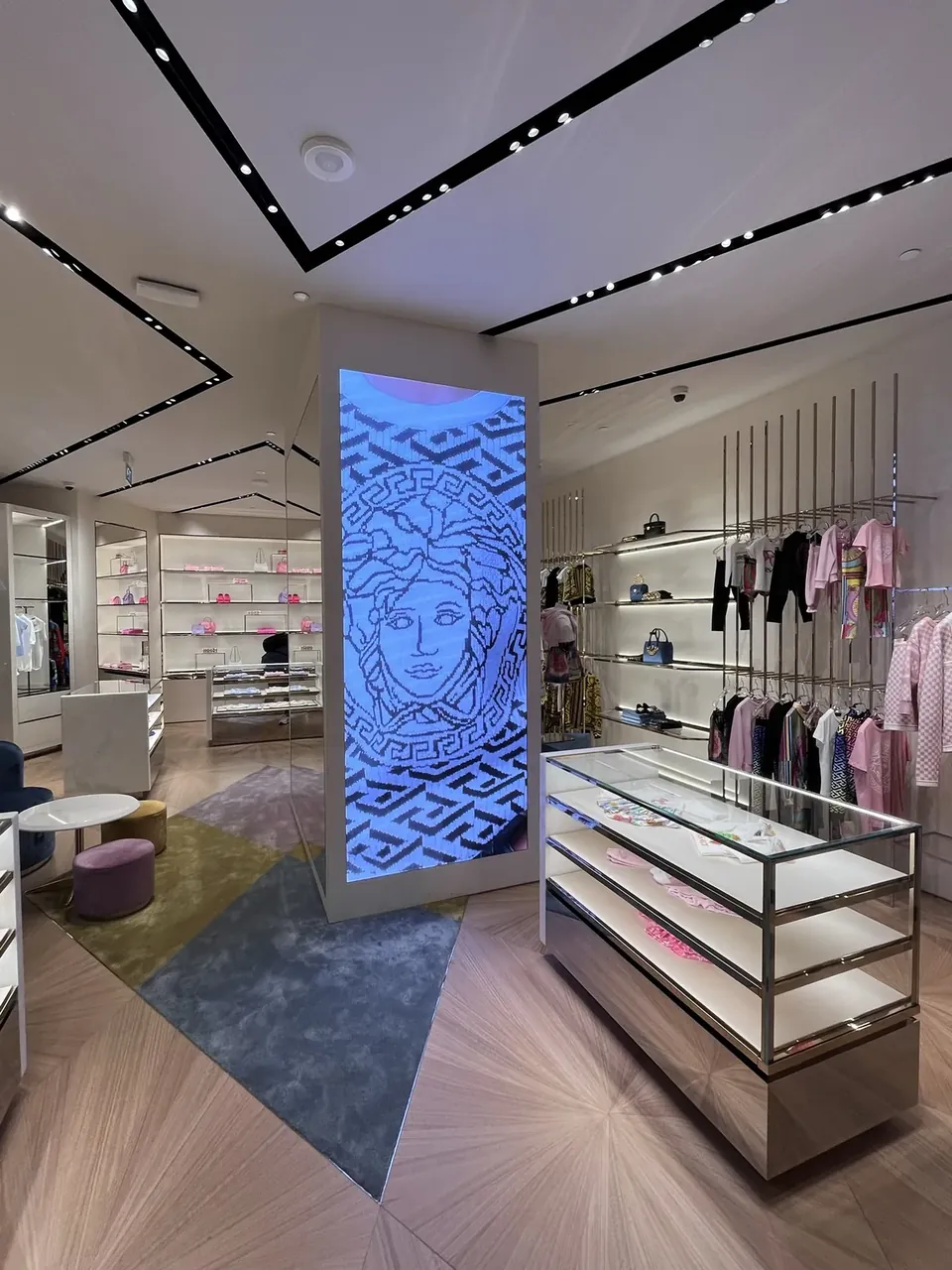
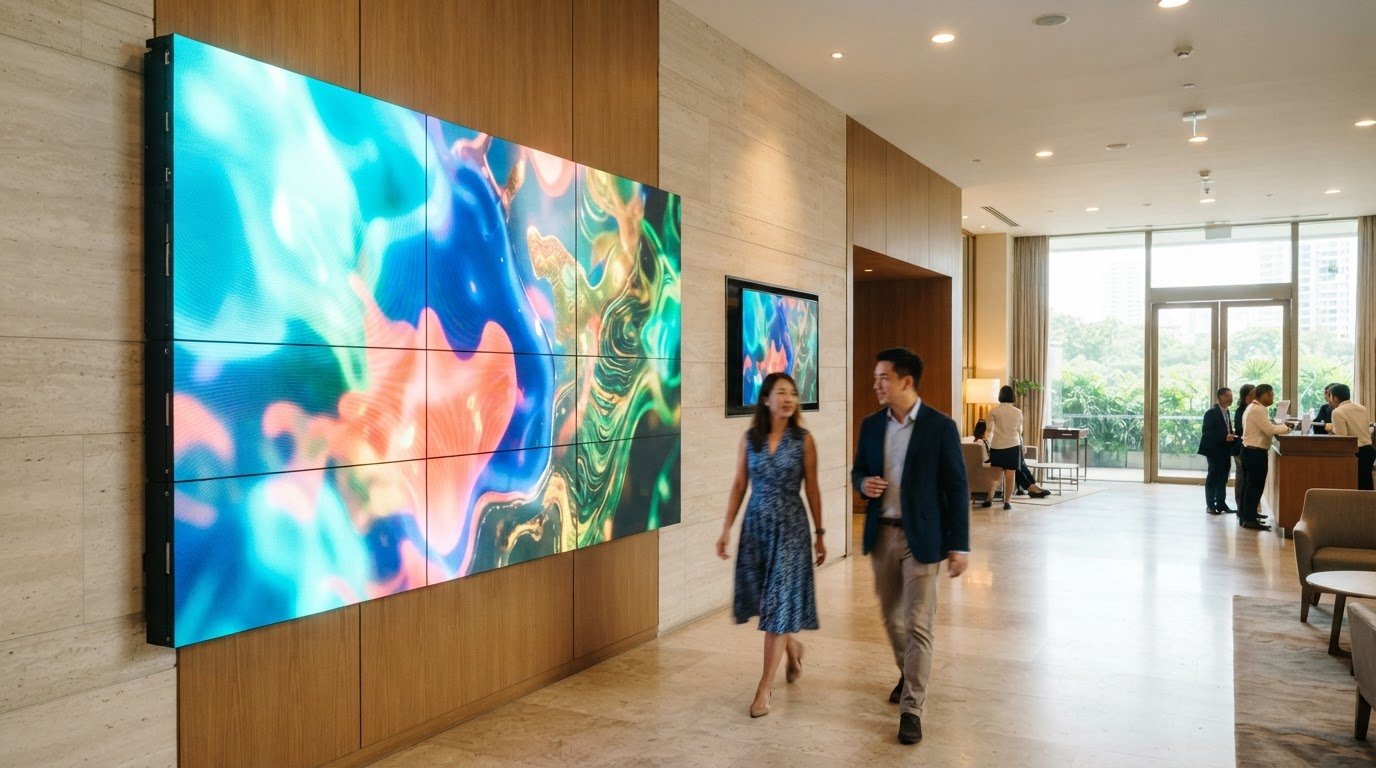
Direct-view LED suits commercial spaces that need a large visual surface, such as a mall atrium, hotel lobby or corporate event backdrop. Its modular panels can form broad displays without the panel borders associated with LCD video walls. LCD remains practical for smaller screens or layouts where existing equipment meets viewing needs.
Power consumption varies with screen area, brightness settings and displayed content. A mostly bright promotional image and a dark control interface place different demands on the same display. Heat output follows the system’s electrical load, so the design must account for airflow and the room’s cooling capacity. Compare complete systems under intended content and operating conditions, rather than judging LED or LCD by screen type alone.
Maintenance planning affects uptime in a busy retail environment. Direct-view LED panels use small modules that can be replaced if one stops working, which can reduce downtime. Review warranty coverage, exclusions, parts and labour terms, and the repair process before selecting a system. Allow service access so technicians can reach components without disrupting nearby operations.
The difference between liquid crystal and direct-view LED matters most when screen scale and image layout shape the experience. LCD uses liquid crystal with LED backlighting; direct-view LED pixels produce the image themselves. A large hotel feature wall may benefit from a continuous canvas, while a meeting room may remain well served by LCD. Applications such as a Singapore shopping centre also require attention to ambient light, content legibility and daily operating conditions.
Choose based on the commercial task: large-format visual impact may favour direct-view LED, while a smaller, established display format may favour LCD.
Singapore-specific installation considerations
A warm, humid climate makes ventilation and operating conditions important design considerations. The installation plan should account for heat from the display and surrounding equipment, and keep airflow clear. Near an air-conditioning outlet, the design should also consider airflow direction and condensation risk around the equipment.
Indoor and outdoor locations have different exposure conditions. A screen facing a sheltered mall entrance still encounters conditions unlike those in a climate-controlled office. The selected display and installation approach should suit its actual exposure, including moisture, heat and direct weather where relevant. These factors also affect enclosure design and ongoing cleaning.
Building management requirements shape access and work planning in Singapore offices, hotels and shopping centres. The project schedule should account for submission procedures, loading-bay arrangements, lift access, delivery routes and permitted work periods. Coordinating these details early helps align equipment delivery, installation activities and the site’s operating needs.
Plan maintenance access before mounting the screen. Technicians need a safe, practical route to service modules, power supplies and cabling. A design with no access behind the display can limit maintenance options, so plan the support structure and surrounding finishes together.
Commissioning should include checks of airflow, power connections, signal paths and image performance under the site’s normal conditions. A commercial LED maintenance plan can help structure preventive checks and service access. For Singapore projects, integrating these considerations during design supports a more manageable installation and long-term operation.
Common mistakes when upgrading from LCD to direct-view LED
Matching screen dimensions alone is a weak basis for replacing an LCD video wall. Aspect ratio, source resolution, content layout and viewing positions must also align. Otherwise, the new display may crop existing feeds, distort graphics or leave parts of the screen unused.
Another mistake is selecting pixel pitch from a product specification without considering actual content. A screen used for maps, dashboards or small text needs different detail from one showing large promotional visuals. The design team should assess the closest viewing position and representative content together.
- Assuming the existing mount will fit: The new display’s structure, weight distribution and service access may differ. Include the wall and mounting arrangement in the installation assessment.
- Keeping the old signal plan unchanged: Map source devices, processors, inputs and screen resolution before installation. This helps identify compatibility issues early.
- Choosing by peak brightness alone: Match operating brightness to the room and content, then assess images under typical lighting.
- Leaving maintenance until later: Decide how technicians will reach modules, power supplies and connections before finalising surrounding finishes.
Project coordination matters, too. Late planning for loading access, delivery routes or permitted work periods can disrupt installation sequencing in a shopping centre. The integration plan should coordinate site access, equipment movement, electrical provision and commissioning with building management.
A thorough design review can catch these issues before procurement. It should document the screen format, content sources, mounting approach, power and signal requirements, and maintenance method. Treating the display as a complete system, rather than a screen-only replacement, helps prevent avoidable mismatches during installation and operation.
Practical recommendations and budget considerations
Start with the display’s job, not a preferred technology. Define the content, nearest viewing position, operating hours and room conditions. A retail promotion wall showing large product images has different needs from a meeting space presenting detailed charts. These requirements guide screen format, pixel pitch, brightness and signal processing.
Then develop a complete system scope. Include the display, controller, mounting structure, power provision, signal routing, installation, commissioning and maintenance access. A screen-only comparison can hide integration work or site preparation. In Singapore, building access, delivery arrangements and permitted work periods can also shape project planning.
- Screen area: Larger displays require more modules and affect structural and mounting design.
- Pixel pitch: Finer pitch increases pixel density; choose it to suit viewing distance and content detail. A pixel pitch planning guide explains the selection factors.
- System integration: Source devices, processing and control requirements influence equipment and configuration.
- Site conditions: Wall preparation, cable routes, electrical work, access constraints and installation sequencing affect the project scope.
For budget planning, separate equipment and integration from site works and ongoing support. Record assumptions about content sources, brightness requirements, access and maintenance method, so proposals can be compared on equivalent scope. Consider expected operating demands alongside initial expenditure; service access and replacement components can affect future maintenance planning. A project quotation reflects the selected display, system design and installation requirements, not screen size alone.
How ETA Visual can support your display upgrade
ETA Visual can help plan an LCD-to-LED upgrade when the existing display no longer suits the space, content or viewing requirements. The team assesses the site, develops the system design, coordinates display supply and installation, and commissions the integrated solution. This approach considers the display and its supporting components together.
The assessment can account for screen dimensions, viewing positions, ambient conditions, source equipment, mounting and access for future maintenance. For example, a close-viewing corporate space may call for a different design from a retail feature wall or a sunlit storefront. These factors guide the choice of display format and system configuration.
Available display options include Indoor P0.9~P5 LED Screens, Outdoor LED Billboards, Transparent LED Displays, and Flexible & Curved LED. The appropriate option depends on where the screen sits and what it needs to show. A transparent display, for instance, may suit a storefront where visibility through glazing matters.
For an upgrade, the project team can also consider how existing content sources connect, how the display is controlled, and how installation affects daily operations. In Singapore, planning can include building access, delivery routes, work periods and practical servicing access. These details help shape a coordinated project scope from design through commissioning.
If you are assessing an LCD replacement, discuss your display upgrade with ETA Visual.
What is direct view LED technology?
Direct-view LED technology displays digital content through an array of LED pixels. A processor converts incoming video or graphics into the pixel information shown on the screen. In commercial environments, the system can present scheduled promotions, information or branded visuals. Its suitability depends on the display’s intended role, content format and how the wider AV system will manage and distribute that content.
Can an LED display be a cost-down solution for an RGB TFT LCD panel or RGB IPS LCD panel?
It can be, but the comparison must consider the application and complete system, not panel cost alone. RGB TFT and RGB IPS panels serve different product designs from commercial LED displays. Compare the required image area, content, control electronics, integration work and expected operating needs. For a small device or standard panel replacement, LCD may remain the more direct solution; for a commercial visual installation, assess the full project scope.
How does a professional start an evaluation of an LCD-to-direct-view LED upgrade?
A professional begins by documenting the current system and the business outcome the replacement must support. Useful inputs include existing display drawings, content formats, source-device details, control interfaces, operating schedules and any planned changes to the space. The evaluation then identifies dependencies, such as whether the content-management workflow must continue unchanged or can be revised as part of the new system design.
How long can a dvLED display last?
LEDs used in direct-view displays can have a lifespan of up to 100,000 operational hours. This is a component lifespan figure, not a guarantee that every part of a complete display will operate for that period without service. For lifecycle planning, distinguish LED performance from the service life of power supplies, control equipment and other system components, and account for the operating conditions and maintenance plan.
Is a custom LED display worth comparing with an LCD?
Yes, especially when the brief calls for a screen shape, aspect ratio or content layout that standard display formats do not accommodate well. A custom design can be evaluated against an LCD arrangement using the same content plan and operating requirements. Include the control workflow and future content changes in that comparison. If the display only needs to show standard-format content, a conventional LCD may meet the brief with less design work.
Can an LED display fit the same window as my current LCD?
It may, but consider both the visible image area and the physical installation. A window’s clear opening, frame, mullions and intended sightlines can affect usable screen dimensions. Storefront glazing may also reflect surrounding light or create viewing angles that influence the display layout. Assess the window using its measured opening and desired content area, rather than relying only on the LCD’s advertised screen size.
What is direct-view LED and how does it differ from LCD displays?
Direct-view LED and LCD refer to different ways of forming an image. For buyers, a practical difference is how each system is specified and controlled: an LCD selection is tied to the panel’s native format, while an LED system is designed around its configured display canvas and processing. Check that the intended source formats, graphics and control workflow suit the chosen system before finalising the replacement.
What are the advantages and disadvantages of upgrading from LCD to direct-view LED?
The main advantage is design flexibility for commercial visual requirements, including content layouts that need a non-standard screen canvas. The trade-off is a more project-specific design process: content formatting, processing, integration and ongoing technical support need to be considered together. LCD can be a sensible choice when standard formats and existing workflows already meet the business need. The better option is the one that fits the content plan and operating model.
Visual planning reference
| Display option | Pixel structure | Viewing-distance consideration | Resolution consideration |
|---|---|---|---|
| Direct-view LED, 0.9 mm | Fine pixel spacing | Suited to closer viewing | More pixels across a given area |
| Direct-view LED, 1.8 mm | Wider pixel spacing | Consider larger viewing areas | Fewer pixels across the same area |
| LCD video wall | Fixed-resolution panels | Assess panel layout and sightlines | Check source and panel resolution |
Want an accurate budget for your space?
We'll do a free site survey and prepare a clear, itemised quotation — no obligation.
Frequently asked questions
Direct-view LED technology displays digital content through an array of LED pixels. A processor converts incoming video or graphics into the pixel information shown on the screen. In commercial environments, the system can present scheduled promotions, information or branded visuals. Its suitability depends on the display’s intended role, content format and how the wider AV system will manage and distribute that content.
It can be, but the comparison must consider the application and complete system, not panel cost alone. RGB TFT and RGB IPS panels serve different product designs from commercial LED displays. Compare the required image area, content, control electronics, integration work and expected operating needs. For a small device or standard panel replacement, LCD may remain the more direct solution; for a commercial visual installation, assess the full project scope.
A professional begins by documenting the current system and the business outcome the replacement must support. Useful inputs include existing display drawings, content formats, source-device details, control interfaces, operating schedules and any planned changes to the space. The evaluation then identifies dependencies, such as whether the content-management workflow must continue unchanged or can be revised as part of the new system design.
LEDs used in direct-view displays can have a lifespan of up to 100,000 operational hours. This is a component lifespan figure, not a guarantee that every part of a complete display will operate for that period without service. For lifecycle planning, distinguish LED performance from the service life of power supplies, control equipment and other system components, and account for the operating conditions and maintenance plan.
Yes, especially when the brief calls for a screen shape, aspect ratio or content layout that standard display formats do not accommodate well. A custom design can be evaluated against an LCD arrangement using the same content plan and operating requirements. Include the control workflow and future content changes in that comparison. If the display only needs to show standard-format content, a conventional LCD may meet the brief with less design work.
It may, but consider both the visible image area and the physical installation. A window’s clear opening, frame, mullions and intended sightlines can affect usable screen dimensions. Storefront glazing may also reflect surrounding light or create viewing angles that influence the display layout. Assess the window using its measured opening and desired content area, rather than relying only on the LCD’s advertised screen size.
Plan the next step
Continue with a relevant solution and real Singapore project evidence.