Indoor LED Video Wall Redundancy in Singapore: A 2026 Buyer's Guide
Written and reviewed by the ETA Visual Engineering & Project Team. Guidance is updated when project, product or Singapore site-planning practices change.
A spare player alone does not make an LED wall resilient. If both playback devices depend on one processor, a fault in that processor can still leave the whole display blank. Equally, a backup signal path cannot keep a wall running when its power supply is interrupted. Indoor LED video wall redundancy in Singapore starts with a simpler question: which interruption matters to your business, and what should people see when it happens? A retail store may accept a short pause in a campaign loop, while a lobby displaying live visitor information may need a faster, clearly defined response. The right design can protect selected parts of the system without duplicating everything. This guide explains the difference between backup playback, signal paths, processors and power; the limits of each option; and the questions to put in a supplier's quotation. Use it when planning a permanent indoor LED display, and agree both the expected picture and the recovery procedure before choosing equipment.
1. Decide what continuity means for your space
Start with the display's actual job. List the content that must remain visible, the hours when interruption would matter most and the people responsible for operating the screen. Then describe an acceptable outcome in plain language: a brief interruption followed by the same picture, a switch to an approved holding image, or a manual restart by a named operator. Do not group these different requirements under 'full backup'.
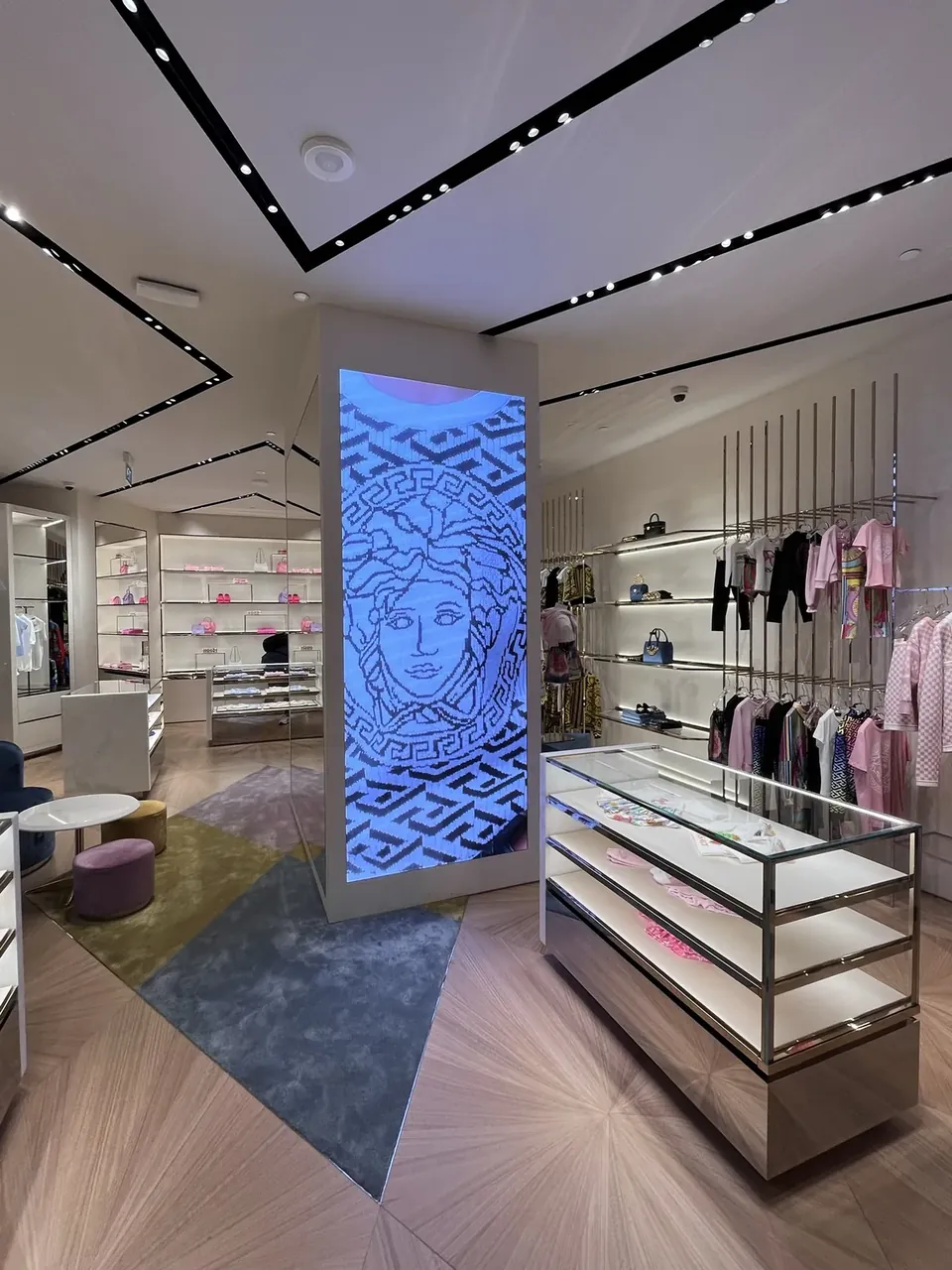
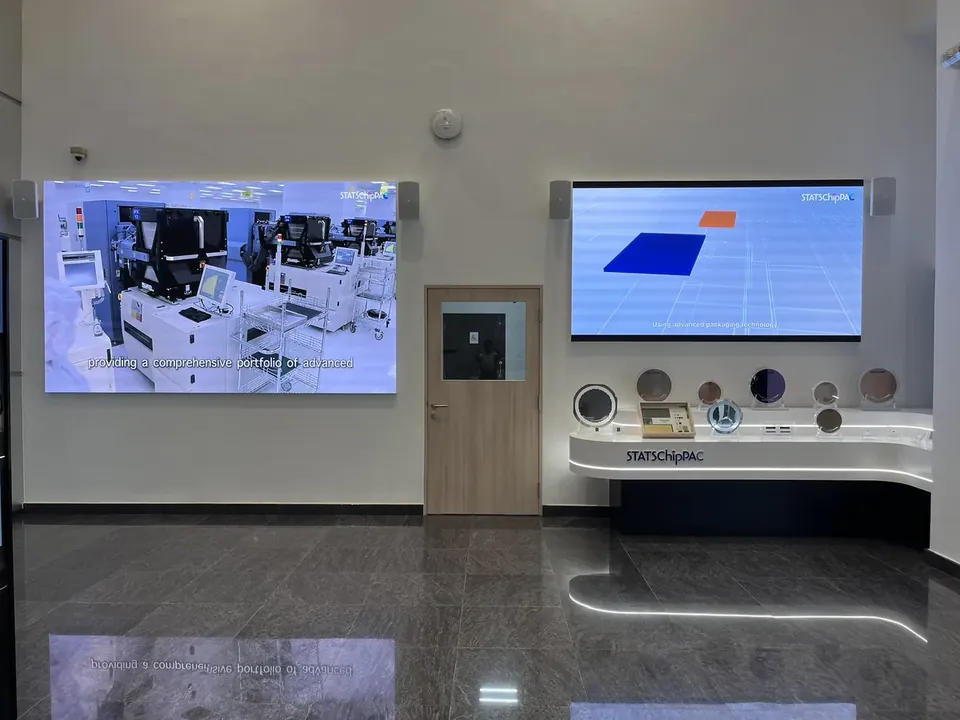
For example, an indoor retail screen showing a looping campaign can have a different tolerance from a corporate reception wall showing changing visitor information. ETA Visual's VERSACE Shopfront project at Marina Bay Sands is listed as a P2.5 indoor LED installation, with supply, installation and commissioning in scope. Its Corporate Lobby project is listed as a P2 indoor LED feature wall in a Singapore office reception. They illustrate different indoor contexts, not evidence that either project has a particular backup system.
Agree a target recovery time for each important scenario, measured from a defined point, and state whether the target is a design objective or a contractual requirement. Where continuous information is important, agree an alternative operating procedure as well: redundant electronics cannot guarantee that the displayed information is correct.
2. Map the failure points before adding equipment
Draw the complete path from content to audience: content source or player, input connection, processor, output data path, receiving electronics and LED modules. Add the power feeds and any network or shared equipment needed for the chosen setup. Ask the supplier to mark the primary and backup routes and the points they have in common. Two players connected to the same single processor still share a failure point; two processors on the same unprotected supply can also fail together.
Create a failure matrix covering the faults you want the design to address. For each one, record the expected image, whether switching is automatic or manual, who acts, and what is not protected. Player, cable and building-power failures are separate events. A spare part stored on a shelf is a replacement option, not proof of automatic failover.
Prioritise the scenarios that are relevant to your operation. A tested manual source change may suit a non-critical welcome loop. For a display carrying time-sensitive information, you may decide that selected automatic paths are worth the additional equipment, coordination and testing. Neither eliminates every failure.
3. Compare backup players, data paths and processors
A backup player addresses a source or playback-device failure only if the alternative is connected or can be connected through the agreed process. Confirm that it has the approved content, required permissions and an input that the system can select. Ask whether the alternative is already running, how it is switched, and whether playback resumes at the same point or starts again. A frozen image, an unavailable network and incorrect content are not necessarily detected in the same way as a disconnected source.
A redundant data path addresses specified faults between the processor and the display. Some compatible systems use a return loop or paired outputs so that an alternative route can carry data when part of the primary route fails. This is not interchangeable with a second processor: the loop can still depend on the same processor and may not protect against every receiving component or LED module fault.
Processor backup is a separate design decision. Ask for the exact supported hardware, matching screen configuration, inputs, changeover conditions and expected interruption. Brompton Technology's redundancy documentation illustrates why the distinction matters: its closed-loop and processor-backup features have different equipment requirements and behaviour. It also notes that loop redundancy affects available output capacity. These are product-specific examples, not a claim about equipment supplied by ETA Visual.
4. Understand what power redundancy can and cannot cover
A dual power-supply arrangement inside compatible display equipment can be designed to cover a specified supply-unit failure. It does not automatically protect the screen from a lost building supply. Likewise, two feeds are not independent merely because there are two cables: ask the qualified electrical team to identify shared distribution equipment and the effect of a fault upstream. The selected display hardware must support the proposed arrangement and have adequate capacity for the specified load and operating conditions.
An uninterruptible power supply, or UPS, may protect selected devices during a supply interruption, but the protected load and available runtime must be designed for the actual project. A UPS feeding only a media player or controller does not keep an unpowered LED wall illuminated. Ask the electrical designer to calculate the load, runtime, changeover behaviour and any site constraints, and identify which equipment is connected to it.
Request a clear power boundary in the quotation: screen cabinets, processor, player, network equipment and any shared distribution. The AET Displays overview distinguishes signal from power redundancy and describes dual supplies and UPS as different approaches. Verify product compatibility and the electrical design for your solution.
5. Specify the outcome in comparable quotations
Ask each supplier to price a base solution and any separately identified redundancy options against the same failure scenarios. The response should show a simple signal and power diagram, an itemised equipment list, the display area covered and any capacity reserved for the backup. Confirm whether the backup uses the same content source, rack, network switch or electrical distribution as the primary path. Shared elements are not automatically unacceptable, but they should be visible in the proposal.
For each option, ask what event triggers a switch, what the audience sees, the expected interruption, whether an operator must intervene and how normal operation is restored. Request the limitations too: a design may cover one cable fault but not a failed processor, corrupted source file or loss of site power. Do not accept 'seamless' as a substitute for a measurable, witnessed outcome under an agreed test.
Include configuration, demonstration, drawings, equipment space and site coordination. Compare proposals on protected failure modes and the operating result, not just the number of extra devices. If requirements exceed the budget or site infrastructure, identify the remaining exposure when reducing scope.
6. Demonstrate the agreed failure scenarios before handover
Agree a controlled demonstration with the installer and the responsible site and electrical teams. Identify the test, permissions, safe method, starting state and pass criteria before any source, cable or power condition is changed. Only authorised personnel should perform the test. Use representative content and normal operating settings rather than relying solely on a static manufacturer test pattern.
Witness each failure that the design explicitly covers. Record the source and route tested, the visible effect, whether switching was automatic or manual, the observed interruption and the state of the picture after recovery. Confirm that the backup presents the intended content and that the agreed return to the primary path works. A test of one cable does not prove a second power feed or every other failure scenario.
At handover, request the final topology, protected and unprotected scenarios, switching behaviour and operator instructions. Record unresolved items and who will close them. If the room's content or sources later change, the buyer should assess whether the documented backup assumptions still match the new use. For an indoor LED project, ETA Visual can discuss the display, signal and site requirements before a quotation is finalised.
| Option | Designed to address | Important limit to confirm |
|---|---|---|
| Backup player or source | A defined playback-device or source failure | Switching method, content readiness and shared downstream equipment |
| Redundant display data path | Specified cable or signal-path faults | Supported topology, covered segments and output capacity |
| Backup processor | Defined processor or input-signal failures | Compatible hardware, configuration and visible changeover |
| Redundant power supplies or feeds | Specified power-supply unit or feed faults | Shared upstream supply, load capacity and equipment covered |
| UPS for agreed loads | A supply interruption for the connected loads and designed runtime | Whether the LED wall itself is powered, runtime and changeover |
| Replacement equipment | A defined replacement after a fault | Requires access, an authorised person and time; not automatic continuity |
Want an accurate budget for your space?
We'll do a free site survey and prepare a clear, itemised quotation — no obligation.
Frequently asked questions
No. Choose protection based on the consequence of an interruption, the acceptable recovery time and the people available to operate the system. A simple manual fallback can be appropriate where a short pause is acceptable.
No. A spare may require a person to connect it, load content and select the input. An automatic backup must be compatible, configured and tested for the particular failure it is intended to cover.
Not necessarily. A loop can protect specified data-path faults while still depending on the same processor. Ask the supplier whether processor failure is separately covered and how the proposed changeover works.
Only if the UPS and electrical installation are specifically designed and rated for the wall and all necessary supporting equipment. A UPS connected only to the player or processor cannot power an otherwise unpowered display. Confirm the intended load and runtime with the qualified electrical designer.
Request a failure matrix, primary and backup diagrams, an itemised scope, switching method, covered loads and acceptance tests. Identify shared dependencies, exclusions and the expected picture during each failure.
Plan the next step
Continue with a relevant solution and real Singapore project evidence.