Showroom LED Display Viewing Journey Singapore 2026
Written and reviewed by the ETA Visual Engineering & Project Team. Guidance is updated when project, product or Singapore site-planning practices change.
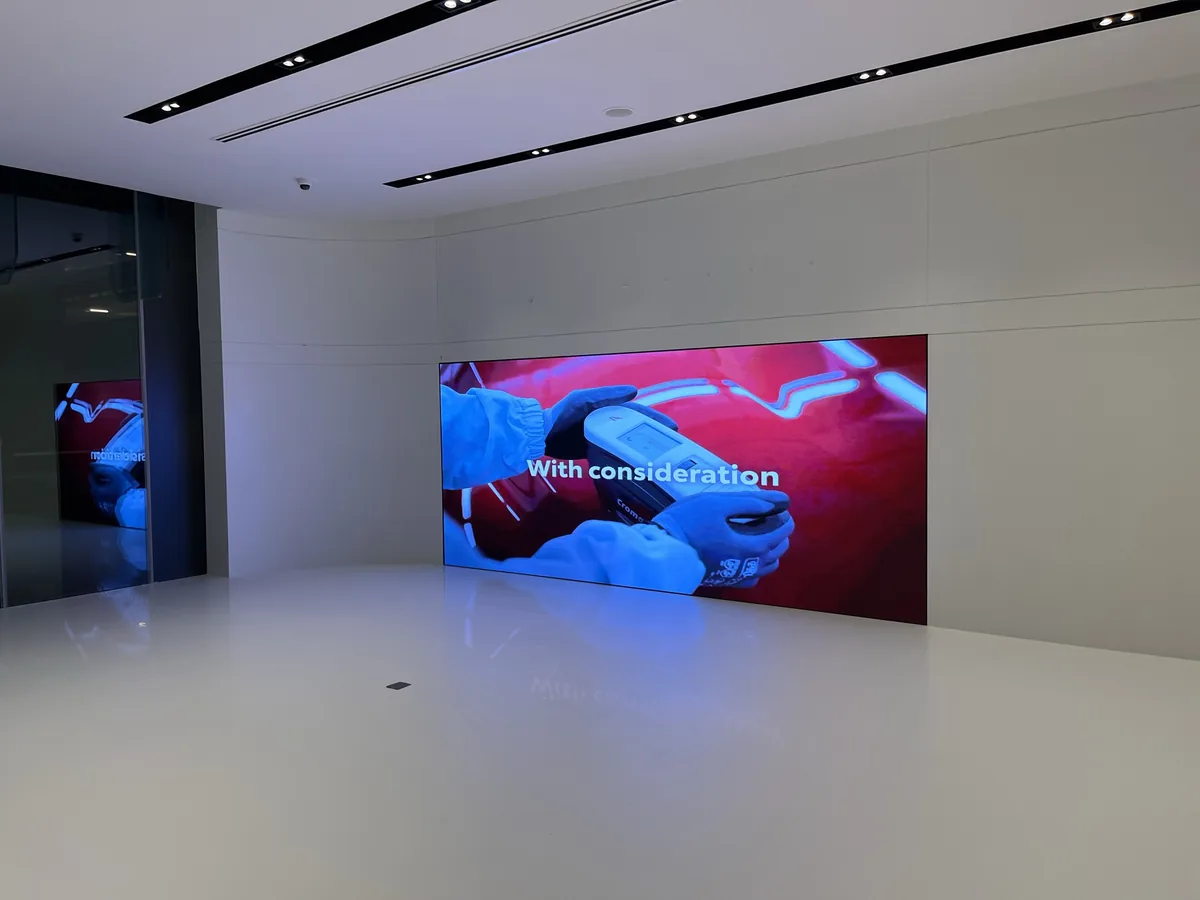
For Singapore teams planning showroom LED display viewing journey Singapore, a successful result begins with the room rather than a catalogue. The intended audience, where people stand or sit, the material that will be shown and the way the display fits the interior should be resolved before comparing product proposals. In these settings, an indoor LED wall must work with the customer or presentation journey.
A good brief describes viewing positions, physical wall limits, content sources, service access, power and data coordination, and the acceptance checks required before handover. It also separates decisions that affect the visible result from decisions that simply increase a specification list. This guide explains the questions to ask, a practical comparison framework and the information a supplier needs to plan an indoor LED installation with fewer late changes.
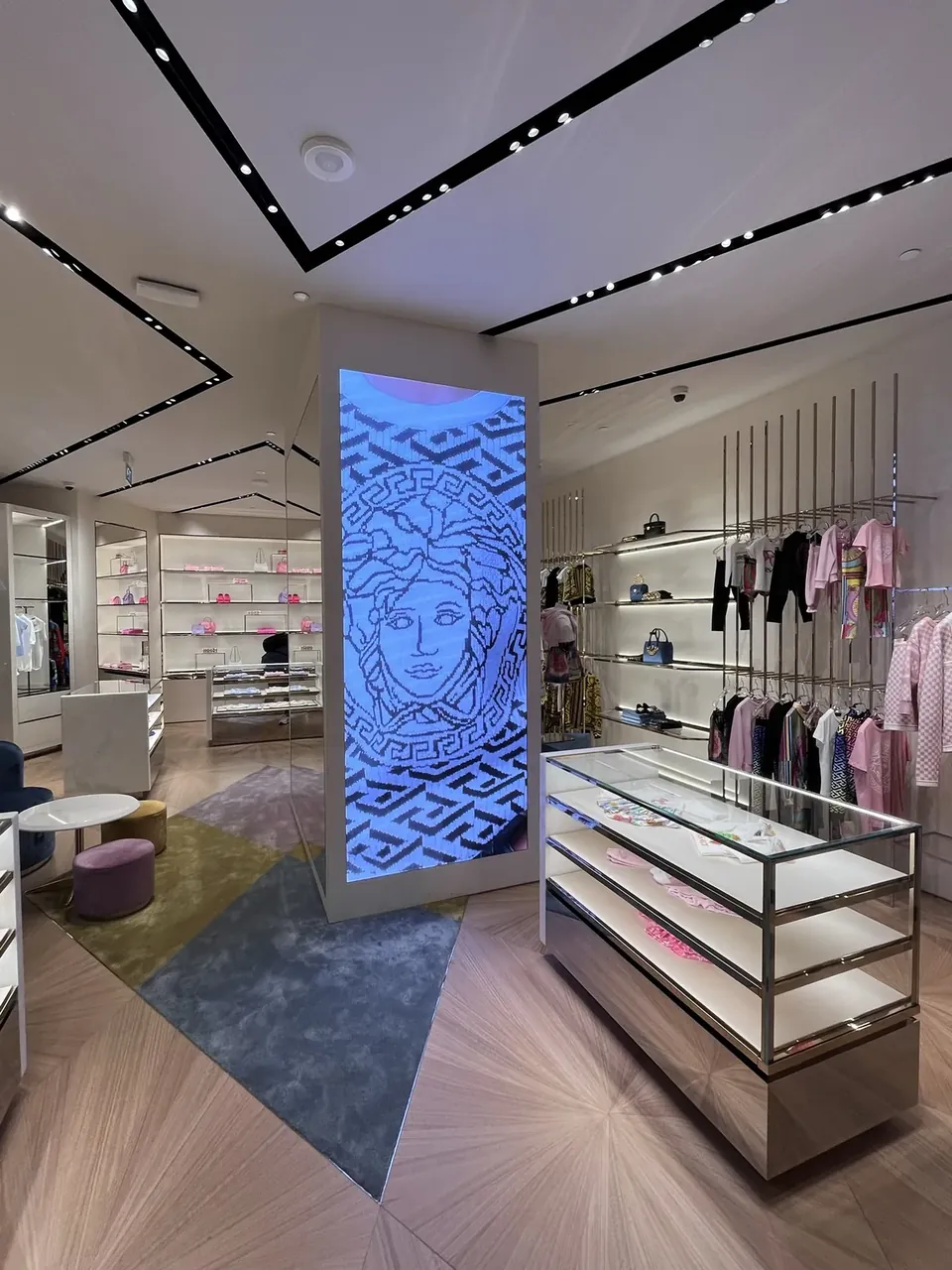
ETA Visual's Toyota Showroom case page states that it supplied, installed and commissioned a P1.86 indoor LED feature wall for a Toyota automotive showroom in Singapore. This factual example shows why the display, environment and project coordination need to be considered together. Use the following guidance to build an informed brief and compare proposals on criteria that match the intended use.
1. Pre-visit planning and objectives
Plan your visit: A successful showroom LED viewing journey starts with well-defined objectives. Identify the primary function of the display — product emphasis, brand storytelling, dynamic pricing, or experiential backdrop — and document expected peak visitor proximity. Note busiest times of day and typical ambient lighting during those periods, because perceived contrast and colour shift with changing light. Prepare questions about pixel pitch, brightness, viewing angle, uniformity and refresh rate so you can gather comparable data from each supplier.
Prepare a short briefing pack for suppliers that includes: floor plans with mounting locations and power access points, representative photos of the installation area at peak hours, a list of primary content types (e.g., 4K video, high-res stills, live feeds), and a clear timeline for delivery and commissioning. This will ensure showroom demonstrations are relevant to your context.
2. What to inspect at supplier demonstrations
On-site checks during showroom visits: When visiting supplier showrooms or demonstration suites, verify that the demonstrated panels or video walls are configured to similar pixel pitch and brightness settings you expect in your own space. Check the display at the closest realistic viewing distance and from the margins where visitors will stand. Evaluate colour uniformity across the surface, look for visible seams and assess the cabinet fit and finish.
Test content types relevant to your brief — motion video, static images, and any templated graphics — and watch for motion artefacts, ghosting, or scan-line effects. Ask the demonstrator to adjust brightness and colour temperature so you can see the full adjustment range; many indoor environments require mid-range brightness rather than maximum output.
3. Technical factors that shape the viewing experience
Pixel pitch and resolution: Pixel pitch is the centre-to-centre distance between LED pixels and is the primary determinant of perceived sharpness at short distances. For showrooms where viewers may approach within a few metres, finer pitches (closer spacing) produce crisper imagery and legible text. Balance the desire for fine pitch against budget and the practical maximum cabinet size for the location.
Brightness, contrast and colour: For indoor showrooms, choose displays with sufficient peak luminance to overcome ambient light without being blinding. Ask for measured contrast and gamma handling; good colour calibration at commissioning helps preserve brand hues and skin tones.
Viewing angle and cabinet construction: Confirm the expected viewing cone for the chosen modules and inspect cabinet rigidity and rear access for maintenance. Good front serviceability or unobtrusive rear access simplifies future servicing without disrupting showroom operations.
4. Content production and programming considerations
Content strategy: A showroom LED feature wall performs best with content engineered for the display resolution and aspect ratio. Produce content assets at native pixel dimensions where possible, and create multiple versions scaled for different segments of the wall if you plan split content. Use high-bitrate codecs for motion content intended for close viewing; low bitrate compression becomes visible at short distances.
Scheduling and dynamic layouts: Plan playlists and scheduling to match visitor flows — short, attention-grabbing loops during peak times and longer brand stories in quieter hours. Design layouts with clear focal points and readable typographic sizes at the closest viewing distance. Include fallback content and mechanisms for urgent messaging.
5. Practical integration, site services and logistics
Integration with building systems: Early coordination with IT and facilities teams prevents last-minute compatibility problems. Define network topology for content delivery (on-premise server, cloud, or hybrid), confirm IP addressing and security policies, and ensure the control system supports necessary codecs, signage formats and remote management.
Power and cooling: Map power routes and reserve dedicated circuits where possible to avoid shared loads with heavy equipment. While indoor LED displays are lower-power than large outdoor equivalents, concentrated panels still require careful load planning and ventilation assessments to maintain longevity.
Mounting and structural assessment: Engage structural engineers for feature walls that exceed common cabinet sizes or load thresholds. Verify floor and wall build-ups for concealment of cabling and access panels for servicing.
6. Procurement, delivery and commissioning
Procurement and supplier comparisons: Use a standard specification checklist when requesting quotes: pixel pitch, module resolution, cabinet dimensions, brightness, colour calibration, control system, warranty terms and commissioning scope. Require timeline commitments for delivery, installation and snagging. Evaluate supplier demonstrations against your documented brief, and ask for proof of successful commissioning of similar indoor projects (case references) rather than performance claims.
Delivery and commissioning checklist: Confirm delivery route and storage space, schedule installation windows that avoid peak showroom hours, and require a commissioning plan that includes colour calibration, network integration, staff training and handover documentation. Plan a short acceptance period during which the display is monitored under normal operating conditions.
7. Handover, training and ongoing reliability
Operational handover and long-term considerations: Insist on training for in-house operators covering playlist management, basic troubleshooting and emergency procedures. Obtain spare module and power supplies advice and request clear escalation paths for any defects discovered during the initial warranty period.
Performance monitoring: Implement lightweight monitoring for uptime and temperature where possible; this helps identify intermittent issues early and reduces downtime on critical showroom surfaces.
| Consideration | What to check | Practical tip |
|---|---|---|
| Pixel pitch | Pixel spacing and native module resolution | Match pitch to closest anticipated viewing distance; finer is better for close-up viewing |
| Brightness | Peak cd/m² and adjustable range | Choose mid-range typical operating brightness for indoor spaces to avoid washout and glare |
| Colour & calibration | Uniformity, factory calibration and commissioning plan | Insist on professional calibration during commissioning to preserve brand colours |
| Viewing angle | Horizontal/vertical half-brightness angles | Check legibility from marginal viewing positions common to your showroom |
| Mounting & service access | Cabinet fit, front/rear serviceability, structural load | Plan for discreet access panels and confirm mounting points with structural team |
| Control & content | Supported codecs, control system compatibility, network topology | Standardise on codecs and delivery methods to simplify content workflows |
Want an accurate budget for your space?
We'll do a free site survey and prepare a clear, itemised quotation — no obligation.
Frequently asked questions
Measure viewing distance, check ambient lighting at peak visitor times, confirm content types and refresh rates with suppliers, and verify warranty and service response terms before signing.
Typical indoor showroom LED pitches range from a project-appropriate pixel pitch to a project-appropriate pixel pitch for close-viewing feature walls; choose a pixel pitch appropriate for your closest expected viewing distance and intended content resolution.
Plan content with a mix of high-resolution still images, short video loops optimised for the display pixel count, and dynamic overlays sized for legibility at the nearest visible distance. Include fallback content and scheduling.
Ask suppliers for on-site demonstrations of the exact model or a closely comparable module, request measurements of luminance and uniformity, and confirm mounting and ventilation strategies for the chosen location.
Coordinate AV and IT teams early, confirm power and data routing, ensure the control system supports your content stack and scheduling, and plan for training and documentation handover as part of commissioning.
Plan the next step
Continue with a relevant solution and real Singapore project evidence.